How to Use Project Brain Day to Day, With Any AI Coding Agent
I've written before about why AI coding agents need project memory. This post is the practical one: how I actually use Project Brain every day, the small habits that keep it trustworthy, and an honest look at where it beats the alternatives and where it doesn't.
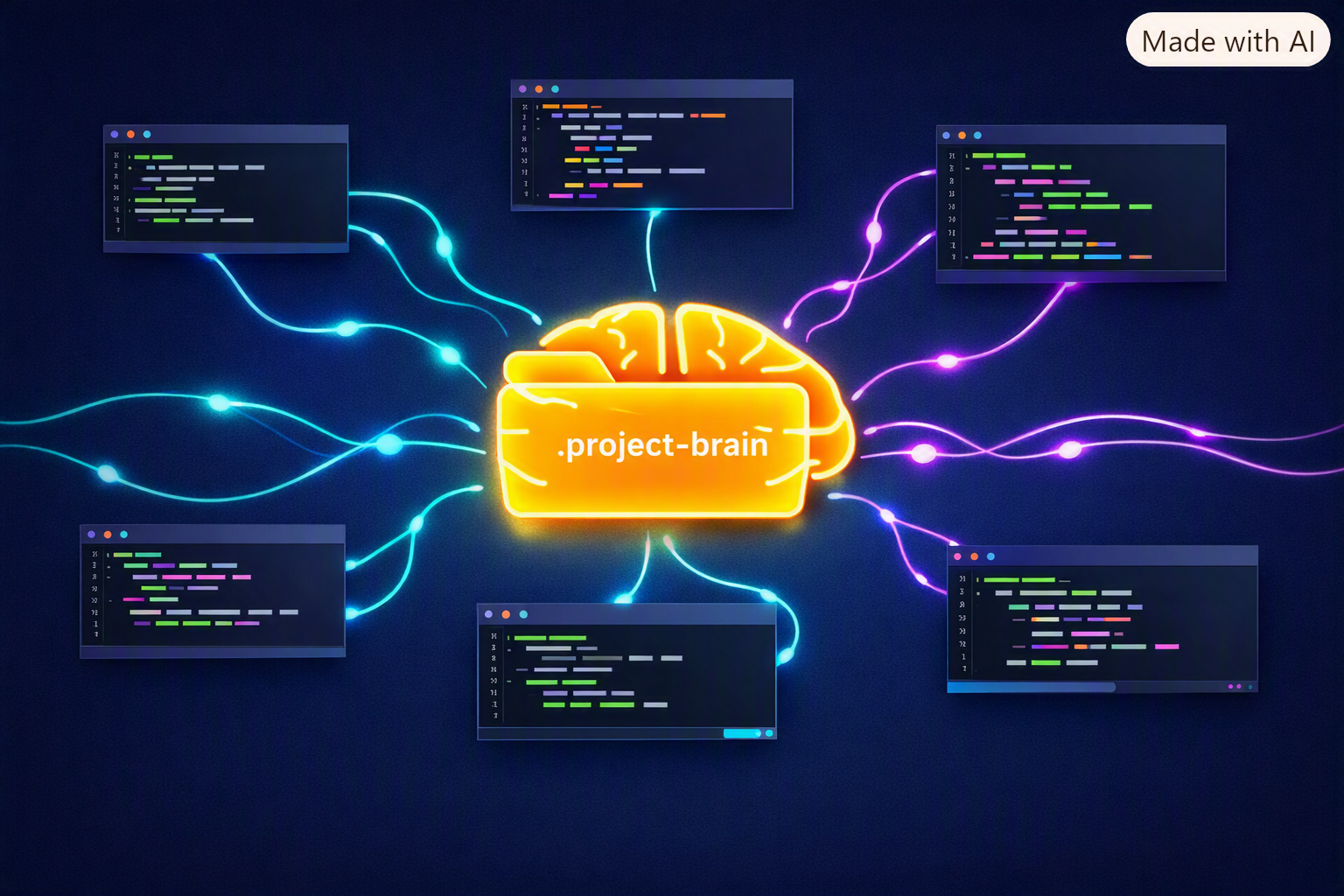
Quick recap if you're new: Project Brain is a .project-brain/ folder of plain Markdown. There's a small index (the map), one file per topic (the detail), and a few zero-dependency Python scripts that keep the whole thing honest. No database, no server, no API key. It's MIT licensed and currently on v2.4.
One thing I want to be clear about up front: this is not a Claude-only tool. (That's also why the repo was recently renamed from claude-code-project-brain to simply project-brain. Old links still redirect.) The memory is a folder of Markdown files, not a plugin locked inside one product. Claude Code, Cursor, Windsurf, a local model running through Ollama, or anything else that can read and write files can use the same brain. Claude Code gets the most polished setup: a one-command installer and automatic hooks. The memory itself belongs to you, not to the tool.
Setup takes five minutes, on purpose
git clone https://github.com/OoneBreath/project-brain.git
cd project-brain
./install.sh
Then start a new Claude Code session (skills load at session start), open your workspace and run /project-brain with "init".
Init is deliberately light. It detects projects from cheap signals like package.json, pyproject.toml and git repos, writes a small index.md, and adds a tiny pointer to your CLAUDE.md. It doesn't read your source code. The brain fills in as you work. If you want it pre-filled, ask it to "scan the project". That's a one-time deep backfill, and it's only as rich as your README and docs are.
install.sh also wires three optional hooks into ~/.claude/settings.json. It merges them, backs up your settings first and shows a diff:
- brain-inject loads
index.compactat session start, so the agent doesn't have to remember to read it. - brain-autocompact regenerates the compact index every time
index.mdis saved. - brain-nudge is a throttled reminder at the end of a turn: "you changed files but didn't update the brain, want to save anything?"
Not just Claude: one brain, many agents
Most AI memory tools live inside one product. Switch editors and you start from zero again. Project Brain works the other way round: the memory sits on disk next to your code, and the agent is interchangeable.
This isn't a theoretical claim. Here's what has actually been tested:
- Claude Code reads and writes it natively. This is the full experience: skill, installer, hooks.
- Windsurf read and wrote the same brain, and the state survived a restart.
- A third-party agent over SSH read a brain on a remote server.
- A free local Gemma model via Ollama ran the full read, work, save loop correctly. It was slower, but it read the brain, did the work and respected the update hook. No cloud and no API bill.
- claude.ai, ChatGPT and Gemini in the browser can't read your disk, so
brain-exportbundles the brain into one pasteable file, with IPs, paths, hosts and secret-looking values redacted by default.
Using it outside Claude Code means doing by hand what the installer automates there. Tell the agent in its own rules or instructions file to read .project-brain/index.compact first. The same few-line pointer that goes into CLAUDE.md works here. And run brain-check yourself, since it's plain Python 3 and doesn't care which agent wrote the files.
In practice this means you can use Claude Code on the server, Cursor on your laptop and a local model on a train with no signal, and all of them share the same map of what's done, what failed and what's next. You're not locked in: if a better agent appears next year, your project memory moves with you on day one.
The honest limit is that the model matters more than the tool. A small local 7B model couldn't run the loop and started inventing brain contents. The bar is real agentic tool use, not a particular vendor. Reading a brain works almost everywhere. Managing one well is now within reach of good local models.
The daily loop: read, work, save
This is the whole workflow. There are three moves.
1. Read the map. Every session starts with the agent reading index.compact, a generated one-line-per-topic view. On my main workspace the compact file is 3.8 KB, compared with 44 KB for the full index.md. That's 11 projects of context for roughly a thousand tokens. On my own server I typed "hi" and got back where every project stood, what was next and what was blocked, without opening a single file.
2. Work, and recall on demand. Ask "how did we fix the image upload?" and the agent follows one pointer to one topic file. It doesn't read the whole knowledge base. Ask it to redo something marked ✓ verified and it should stop and ask whether you really want it repeated.
3. Save the outcome, not the transcript. When a real unit of work is finished, you update one topic file and its one line in the index:
- upload → WAL + short transactions fix [✓ verified 2026-07-09 · v3] → projects/app/upload.md
The status carries the outcome. Use ✓ verified when it was confirmed working, ✓ done when it's finished but unconfirmed, ⚠ in-progress, ✗ failed (kept so nobody tries it again) and ⨯ superseded. When an approach changes, bump the version and keep the old one as a short "v2 (superseded)" line. The history is the point.
At the end of a session, add a one-line resume under the project:
> resume 2026-09-21 · done: security audit pass · next: Cloudflare strict mode · blocker: none
Next session, that line is the first thing the agent sees.
Looking after it: six habits that keep it trustworthy
A brain is only useful while you trust it. These habits are what stop it rotting.
1. Run brain-check after every save. It verifies that pointers resolve, frontmatter is valid, and the status in the index matches the status in the topic file. It also flags stale facts, misfiled notes and conflicting tech: one project claiming both MySQL and Postgres usually means one place forgot to update. --report groups the output, --diff 2026-09-01 shows what changed since a date, and --fix applies the purely mechanical fixes (a stale compact index, session-log rotation). It checks structure, not truth. A clean run means the map is consistent, not that every note is correct.
2. Be honest with trust:. Every topic can be marked human (a person confirmed it), ai-inferred (the model wrote it, verify before relying on it) or pref (a stated preference, not a fact). Without this, a guess the model wrote down in June becomes "fact" by September.
3. Give ageing facts an expiry date. review_by: 2026-12-01 on anything that goes stale: versions, "current" prod state, credentials locations. Finished topics past that date, or older than about 180 days, get flagged for re-confirmation.
4. Log decisions, including what you rejected. _decisions.md holds one line per real choice:
2026-05: Drizzle > Prisma — lighter, owns the SQL, no engine binary
The agent reads this before proposing a library, host or architecture, so an option you rejected three months ago doesn't come back as a "fresh idea".
5. Put inviolable rules in ! never: lines. "Never deploy outside the EU." "Never send raw client files to an external API." These show up in the compact index for every active project, even collapsed ones. The agent is told to stop and say so rather than work around them. Keep them few; most rules are just preferences.
6. Never store secret values. Variable names and paths are architecture and belong in the brain. Passwords, tokens and keys don't. I learned this the hard way: removing a leaked secret from a file is only half the job, and rotating it is the other half. And since the brain is plain files, back it up. I commit each server's brain to its own private Git repo at the end of a session.
A seventh, occasional one: archive instead of deleting. When a topic is dead, remove its line from the index and keep the file. Only the index is loaded eagerly, so that one line is the only thing costing tokens. If you keep the index lean, the history can grow for years without slowing anything down.
How it scales
The brain was built for my own setup: several SaaS products spread across a few servers. My current workspace brain has 11 projects, and one of them has over 20 topics. A few mechanisms keep that cheap:
- HOT / WARM / COLD tiers. The 3 most recently active projects render in full. The rest stay compact and collapse to a single line once you pass 15 active projects. Archived ones are left out entirely.
- Topic-level tiering (new in 2.4). Inside one big project, in-progress topics always show. Past 15 topics, the finished ones collapse to the most recent ones plus a "+K more" line.
- Delta-load. The agent only drills into projects whose date is newer than its last resume line.
brain-findsearches by tag or keyword when you don't know where something lives.brain-exportbundles the brain into one pasteable file for claude.ai, Gemini or ChatGPT. IPs, ports, paths, hosts and secret-looking values are redacted by default.
Why this approach instead of the alternatives?
There are good tools in this space, and they solve slightly different problems. Here's how I see the trade-offs.
vs. one big CLAUDE.md or rules file. This is where most people start, and it works until it doesn't. Everything in it is loaded on every session, so the cost grows with every note you add, and nothing tells you which lines are stale. Project Brain keeps CLAUDE.md to a few lines pointing at the map. Only the index is loaded; detail is read on demand.
vs. automatic session memory (built-in auto-memory, ClaudeMem and similar). These summarise your transcripts for you, which is genuinely zero effort. That's their real advantage, and Project Brain doesn't match it. But they're usually tied to the tool that created them: change agents and that memory stays behind. And what you get is a journal: everything that happened, with no distinction between "this worked", "this failed" and "the model guessed". Project Brain is curated. A human decides what's worth keeping, and every entry carries an outcome, a version, a trust level and optionally an expiry date. They're complementary, and brain-bootstrap points Claude Code's native memory at the brain so the two don't compete and double your tokens.
vs. memory servers and vector databases. These are powerful for large unstructured recall. They're also another process to run, and the stored memory is harder to open and correct by hand. A brain is a folder: you can grep it, diff it, review it in a pull request and commit it next to your code.
The short version of the advantage:
- Outcome-aware. It knows the difference between "done and verified" and "tried and failed".
- Bounded cost. Index-first loading plus tiers keep the per-session cost from growing with your history.
- Multi-project safe. A cross-project guard and a conflict detector catch one project's facts leaking into another.
- Agent-agnostic. It's plain Markdown on your disk, not memory locked inside one vendor. Claude Code, Cursor, Windsurf, local models and any agent that can read files share one brain.
- Zero dependencies. It uses only the Python 3 standard library, with no service to keep alive.
And the honest cost. It asks for a little discipline. Someone has to decide what gets saved, although the nudge hook makes that a one-second decision rather than a chore. Outside Claude Code you also wire it up by hand (one pointer in the agent's rules file), and you need a model with real tool use (see above).
Try it, and tell me what breaks
If you work across more than one project with an AI agent, whether that's Claude Code, Cursor, Windsurf or a local model, and you're tired of re-explaining your stack every morning, give it ten minutes:
github.com/OoneBreath/project-brain
It's a small open-source project maintained by one person, so every star, issue and "this confused me" report makes a real difference to where it goes next. If something doesn't work the way this post describes, open an issue. That's exactly the feedback I need.